
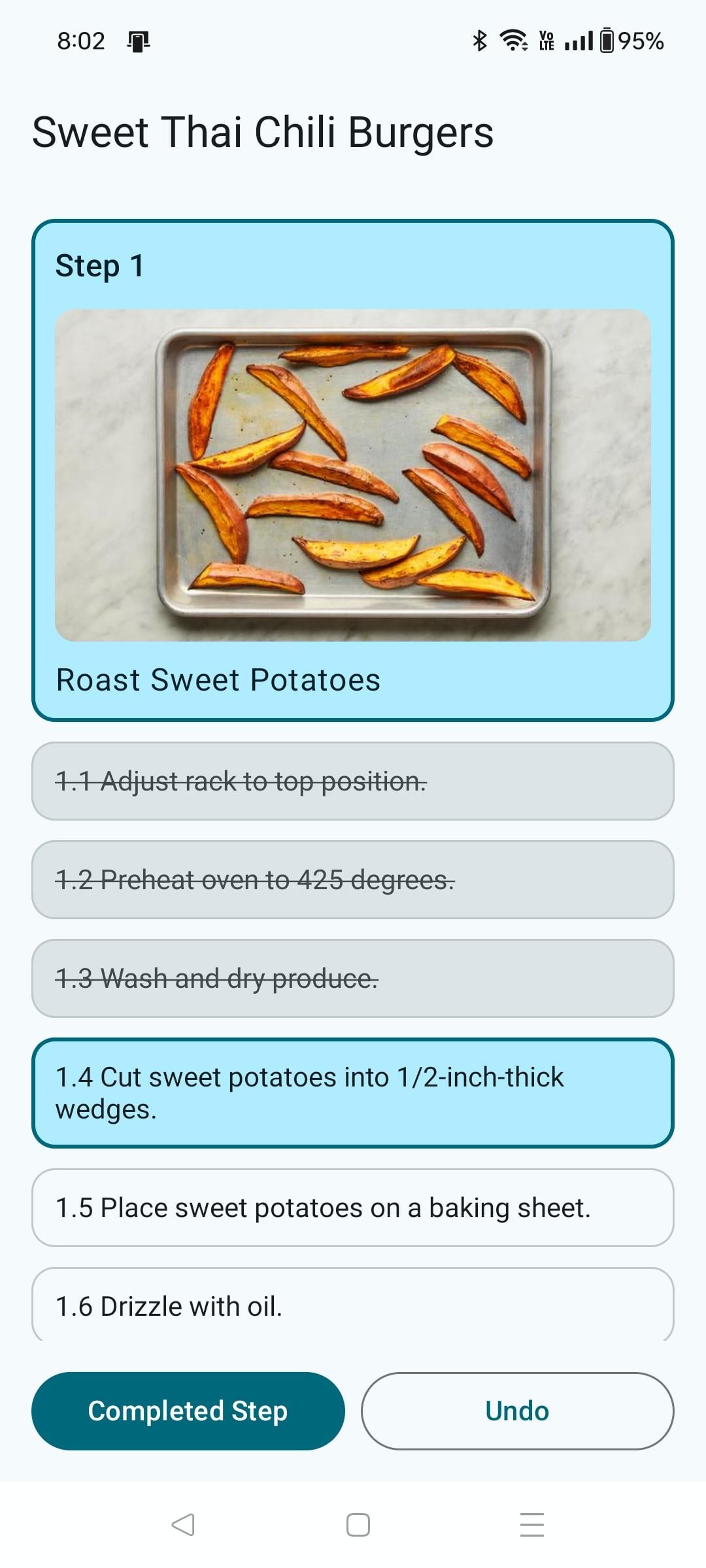
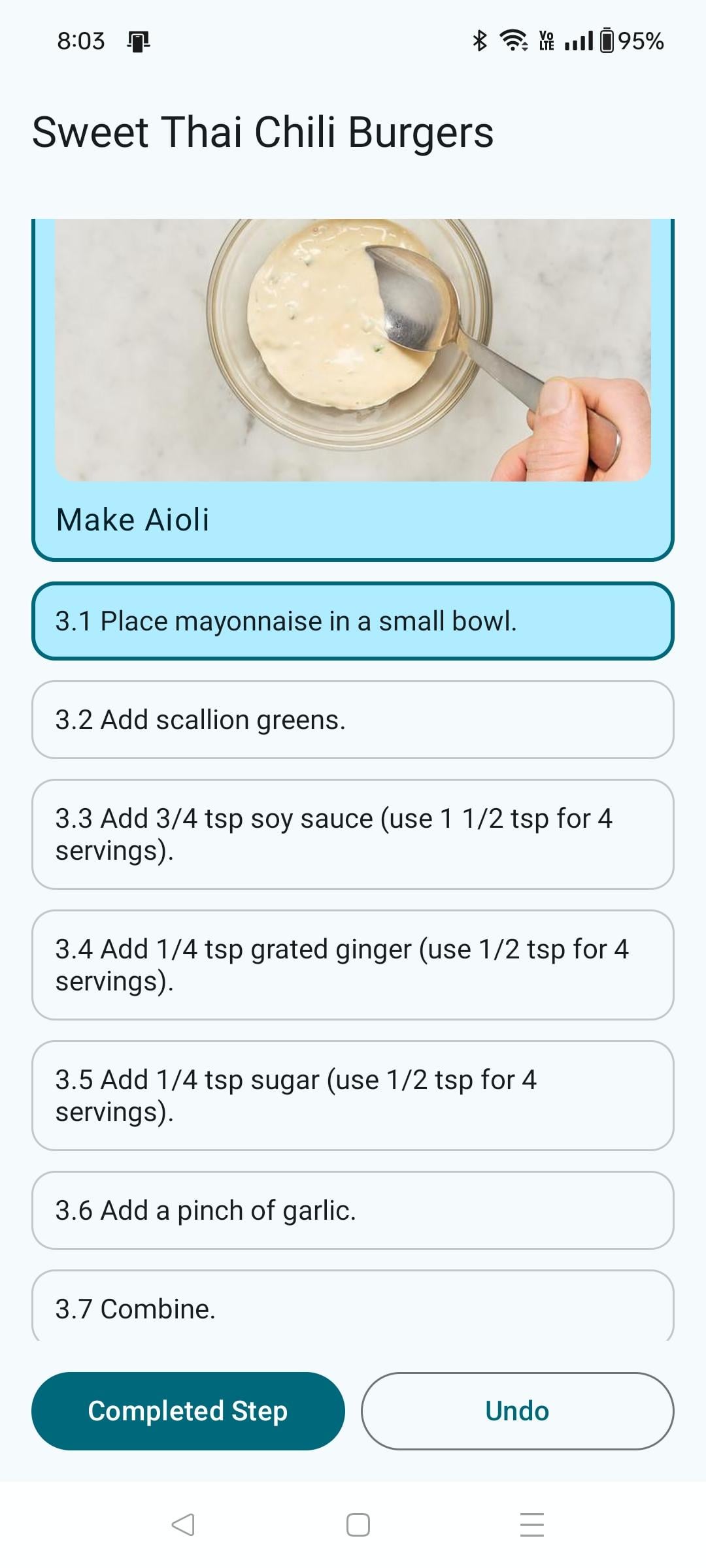
My theory was that by having to press a "completed step" button for each step, the chances of accidentally skipping a step would be reduced. It's been working great so far. Another thing the app does is split some steps into even more steps (i.e. "add X, Y, Z" becomes "add X", "add Y", "add Z"). The app isn't currently on any app store – I'm making this post to gauge interest. Let me know if you're interested!
It works by taking the PDF of a recipe and parsing the steps (including images).
by StandardBook1184
6 Comments
After years of HF, I look the recipe over, find the heat and start there. While that’s going I do some of the other prep. I could definitely see how your app could be helpful for someone learning to cook.
This was a problem for me as well, but I solved it by making sure I read everything before I start cooking.
I like your solution tho 🙂 definitely handy
Does it just load the recipe through your account or are all the recipes publicly available?
Love this!
On the brain and eyes, having the 1.1, 1.2, 3.1, 3.2, on the steps hurts.
I really like the concept!
Some ideas: use **bolded words** to highlight the ingredient and/or measurement. I like the different bolded colors on the HF recipe cards but not sure if that’s as helpful for colorblind people? (Could make colors a customizable setting?)
And a setting for whether it’s a 2 or 4 person meal, so I don’t have to ignore or find the parentheses for each step.
Yeah, looks good. Find it strange how HF a
Structured it’s instructions. Like I get it but 4 pictures and sometimes they don’t explain a lot. For example I made hamburgers and the bread needed to go in the oven but no temp was specified.