
Find out more: https://www.hardreset.info/
Discover a world of culinary delights with your Tefal Cook4me by browsing its extensive recipe library! This tutorial provides easy-to-follow instructions on how to access and navigate the recipe library, allowing you to explore and select from a variety of delicious recipes tailored to your Tefal Cook4me. Perfect for both beginners and seasoned cooks, this feature helps you find inspiration and make the most out of your smart cooker. Follow along to learn how to effortlessly browse and choose recipes for any occasion.
How do I browse the recipe library on my Tefal Cook4me?
What are the steps to access the recipe library on Tefal Cook4me?
How can I explore and select recipes from the Tefal Cook4me recipe library?
#TefalCook4me #RecipeLibrary #CookingGuide
Follow us on Instagram ► https://www.instagram.com/hardreset.info
Like us on Facebook ► https://www.facebook.com/hardresetinfo/
Tweet us on Twitter ► https://twitter.com/HardResetI
Support us on TikTok ► https://www.tiktok.com/@hardreset.info
Use Reset Guides for many popular Apps ► https://www.hardreset.info/apps/apps/
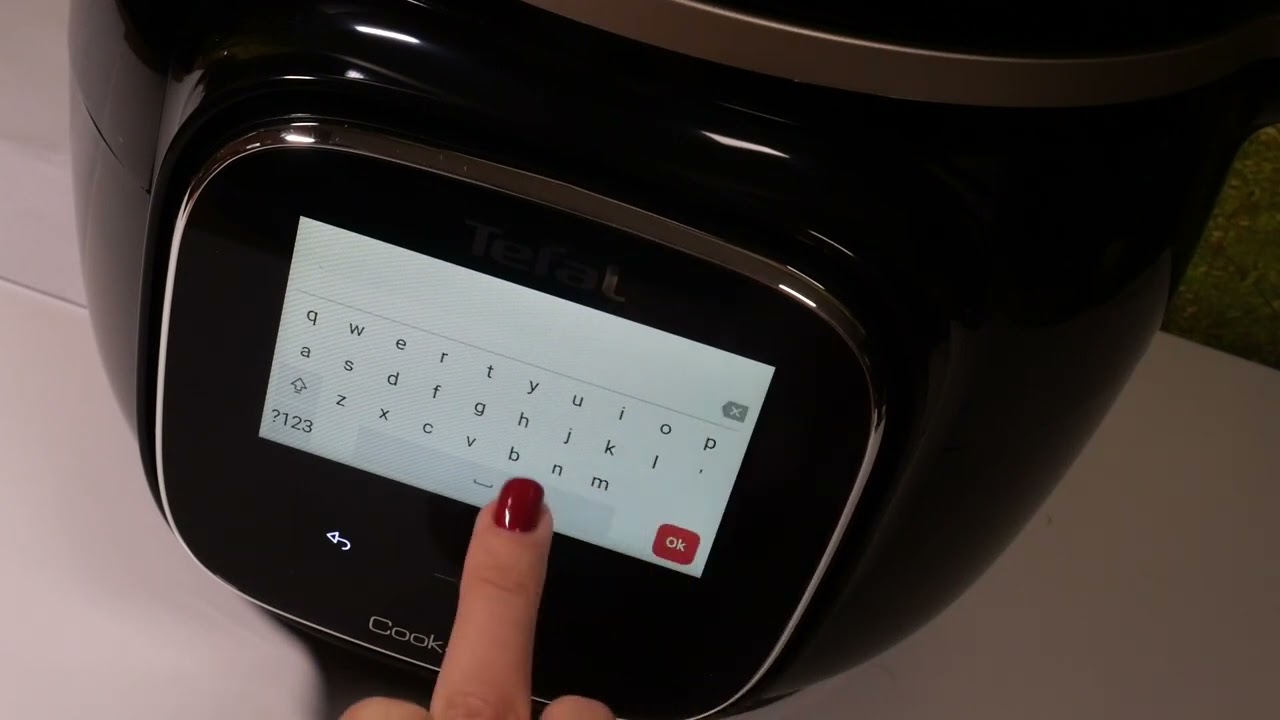
hello everyone in front of me stal cook for me I’m going to show you how to check recipe Library so from main panel Mark recipe library and here you can search for some particular recipe so you can either use one from those or if you want to search click on search button and you can either um look for it via course so it can be desert starter whatever just mark it here then prepare duration and tap on okay to search and here you’ve got the option for you let me go back and obviously you can uh enter something over here something that you want to prepare okay one a and okay okay so let me just uh change the values and here we C the option um dedicated to tuna that I added there so this is it this have can search for some particular recipe or an inspiration thank you for watching please subscribe our Channel and leave the thumbs up [Music]